

Engineering Services
WooCommerce Performance Optimization for Stores That Have Outgrown "Install a Caching Plugin."
We find what is slowing your WooCommerce store down, in the database, the caching layer, your plugins and the front end, and fix it against your real catalogue size and real traffic. Every change is measured before and after, so you can see what moved.
The Problems We Solve
Engineering Solutions for Complex WooCommerce Performance Optimisation Challenges.
A caching plugin fixes the kind of slowness that shows up on a static blog post. WooCommerce performance problems are usually a different category entirely — dynamic cart and checkout pages that can't be cached the same way, database queries that scale badly past a few thousand products, and plugins competing for the same resources on every single page load. The ten problems below are the ones a caching plugin alone can't touch.
-
Slow Page Load Times
Every extra second of load time measurably reduces conversion — and on WooCommerce, the causes are rarely just images. Query patterns and plugin overhead are usually the real story.
-
Database Query Bottlenecks
Unindexed meta queries and inefficient product lookups that run fine at 500 products and time out at 50,000 — the single most common root cause we find.
-
Large Catalogue Performance
Category and search pages that get slower in direct proportion to how many products you've added — a sign the underlying queries were never designed to scale.
-
Checkout Speed Issues
Cart and checkout pages are dynamic by nature and can't be cached the same way the rest of your site is — meaning they need to be fast for genuinely different engineering reasons.
-
Plugin Performance Conflicts
A dozen active plugins each registering their own hooks and enqueuing their own assets on every page load — overhead that compounds silently over time.
-
Core Web Vitals Failures
Poor LCP, INP and CLS scores that hurt both real user experience and search ranking — measured against Google's actual real-world field data, not just a lab test.
-
Server & Hosting Bottlenecks
Hosting configured for a generic WordPress blog, not for WooCommerce's heavier database and session-handling demands under real transaction load.
-
Caching Configuration Issues
Caching set up too aggressively and serving stale cart or price data, or set up too conservatively and doing almost nothing — both are common, and both need real architecture, not defaults.
-
Mobile Performance Gaps
A store that scores well on desktop and noticeably worse on mobile — where most WooCommerce traffic and an increasing share of conversions actually happen.
-
Traffic Spike Failures
A store that performs fine under normal load and falls over during a sale, a launch, or a traffic spike — the exact moment performance matters most.
What We Do
Our WooCommerce Performance Optimisation Services.
Performance work on WooCommerce touches the database, the caching layer, the server and the front end — rarely just one of them. The ten services below are the disciplines we draw on, applied only where profiling shows they'll actually move the number that matters.
-
Performance Audits & Profiling
A real technical audit — query profiling, plugin impact analysis and Core Web Vitals measurement — before any optimisation work starts, so effort goes where it actually matters.
-
Database Query Optimisation
Indexing, query rewriting and meta-query restructuring engineered against your real catalogue size, not a demo dataset ten products deep.
-
Caching Architecture
Object, page and fragment caching configured correctly for WooCommerce's dynamic cart and checkout pages — fast without ever serving stale pricing or stock data.
-
Core Web Vitals Tuning
Targeted LCP, INP and CLS improvements measured against real field data rather than chasing a single lab-test score.
-
Checkout & Cart Optimisation
Speed work specific to the pages that can't be cached the standard way — the ones with the most direct connection to revenue.
-
Plugin Performance Audits
A technical review of every active plugin's real performance cost, with clear recommendations on what to keep, replace, or remove.
-
CDN & Asset Optimisation
Image compression, lazy loading and CDN configuration engineered for WooCommerce's product-heavy pages specifically, not a generic asset pipeline.
-
Server & Hosting Configuration
Server-level tuning — PHP, database, and object cache configuration — matched to WooCommerce's real resource demands, not a generic WordPress preset.
-
Load & Traffic Spike Testing
Real load testing before a launch, a sale, or a marketing push — so the first time your store handles a traffic spike isn't the first time you find out it can't.
-
Ongoing Performance Monitoring
Continuous monitoring after optimisation work is delivered, so a new plugin or a growing catalogue doesn't quietly undo the gains over time.
How We Measure
What We Measure, Before and After.
We do not guess. Before any change we record these numbers, and we record them again afterwards, so the result is something you can check.
-
Largest Contentful Paint (LCP)
How long the main content takes to appear. Google treats 2.5 seconds or less as good, judged on real visits.
-
Interaction to Next Paint (INP)
How quickly the page responds when someone taps or clicks. Google treats 200 milliseconds or less as good.
-
Cumulative Layout Shift (CLS)
How much the page jumps around while it loads. Google treats 0.1 or less as good.
-
Database queries per page
How many queries product, category, cart and checkout pages run, and which plugins add them.
-
Server response time
How long the server takes to start sending a page, before the browser does any work.
-
Plugin impact
The time and queries each active plugin adds, so you know what to keep, replace or remove.
Featured Case Studies
Real WooCommerce Performance Optimisation Engagements.
Real performance engagements pulled directly from our Case Studies system — checkout optimisation, booking-logic scaling and full store stabilisation work, each measured against a real before-and-after baseline.
-
40% E-Commerce / Retail
Bespoke Checkout & Payment Gateway Engineering
A unified WooCommerce checkout and multi-gateway payment engine, written in custom code without third-party gateway plugins — reduced checkout latency by 40%.
Result: 40% reduction in checkout page latency (figure from the project's internal documentation)
Read Case Study -
Multi-Service Service & Appointment Businesses
Scalable Booking Logic for Enterprise Scheduling
Refactored the Bookly booking engine for multi-service, conditional scheduling with custom multi-slot duration logic and advanced cron-based automation.
Result: Database queries optimised for variable-duration, multi-service availability checks
Read Case Study -
Root-Caused E-Commerce
WooCommerce Stabilisation for a High-Traffic Store
Root-caused and resolved fatal errors, checkout bugs, and broken shipping logic on a high-traffic WooCommerce store, fixed at the cause rather than patched.
Result: Fatal errors, checkout bugs and shipping failures resolved at their cause
Read Case Study
Our Engineering Process
How We Deliver.
Performance work done without measurement first is just guessing with extra steps. Our process starts with real profiling data and ends with a measured, verified result — every optimisation is tied to a number that moved, not a general sense that things feel faster.
Discovery
A full technical audit — query profiling, plugin impact analysis, hosting review and Core Web Vitals baseline — before any changes are made.
Architecture
A prioritised optimisation plan targeting the bottlenecks the audit actually found, ranked by real impact, not by what's easiest to fix first.
Development
Implementing each optimisation against the agreed plan, measuring the impact of each change individually rather than batching everything at once.
Testing
Verified against real catalogue size and, where relevant, real load testing — not a synthetic benchmark on an empty store.
Deployment
A staged rollout timed around your store's actual traffic patterns, with before-and-after metrics captured at each step.
Support
Ongoing monitoring so performance gains hold as your catalogue, traffic and plugin stack continue to grow.
How We Work
Follow the request. Fix the slow layer.
Every page view travels through the same layers. We measure each one, find where the time goes, then work on that layer. Select a layer to see what we do.
CDN and edge
What slows it
Images and files served from far away, or no edge caching at all.
What we do
Set up CDN and edge caching rules, and keep cart and checkout out of them.
Tools we use here
- Cloudflare
- CDN
Page cache
What slows it
Product and category pages rebuilt for every visitor, or pages cached that should never be (cart, checkout).
What we do
Write caching rules and exclusions that speed up browsing without breaking carts.
Tools we use here
- Page cache
WooCommerce and plugins
What slows it
Plugins running heavy code on every page, and scripts loading where they are not needed.
What we do
Review plugin impact, remove what is not earning its place, and load scripts only where needed.
Tools we use here
- Core Web Vitals
- JavaScript
- CSS
Object cache
What slows it
The same database results rebuilt on every request.
What we do
Add a persistent object cache so repeated lookups are served from memory.
Tools we use here
- Redis
- Object cache
Database
What slows it
Unindexed queries that are fine at 500 products and slow at 50,000.
What we do
Profile queries, add the right indexes, and test at your real catalogue size.
Tools we use here
- MySQL
- Query profiling
- Indexing
How we check it worked. Before-and-after measurements on the same pages: PageSpeed Insights, real-visitor data and, before big sales, load testing.
Do It Yourself First
Three steps to a faster store.
Start with a measurement, find what is slow, then fix checkout. Each step has a guide.
-
Measure
Test the pages that earn money and read LCP, INP and CLS properly.
How to Check Your WooCommerce Page Speed (and What the Numbers Mean) -
Find the cause
Work out which plugin or query is slowing the store down.
How to Find Which Plugin Is Slowing Your WooCommerce Store -
Fix checkout
Checkout cannot be cached like the rest. Here is what to check first.
Why Your WooCommerce Checkout Is Slow, and What to Check First
KODENZO Commerce Health
Is your store as fast and healthy as you think?
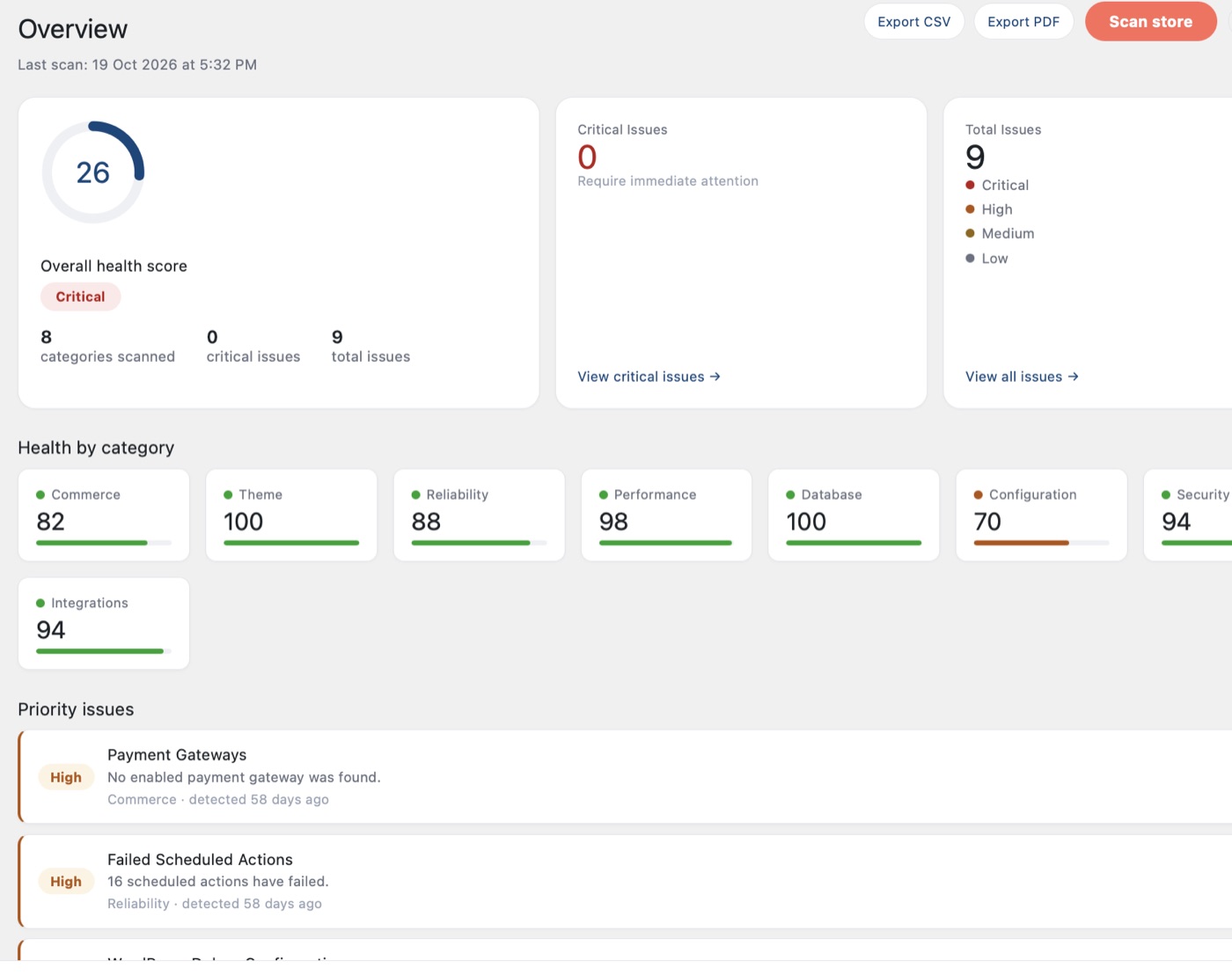
Find out in a few minutes, free. Then let PRO watch checkout for you in the background.
- Read-only checks across configuration, cache, database and updates
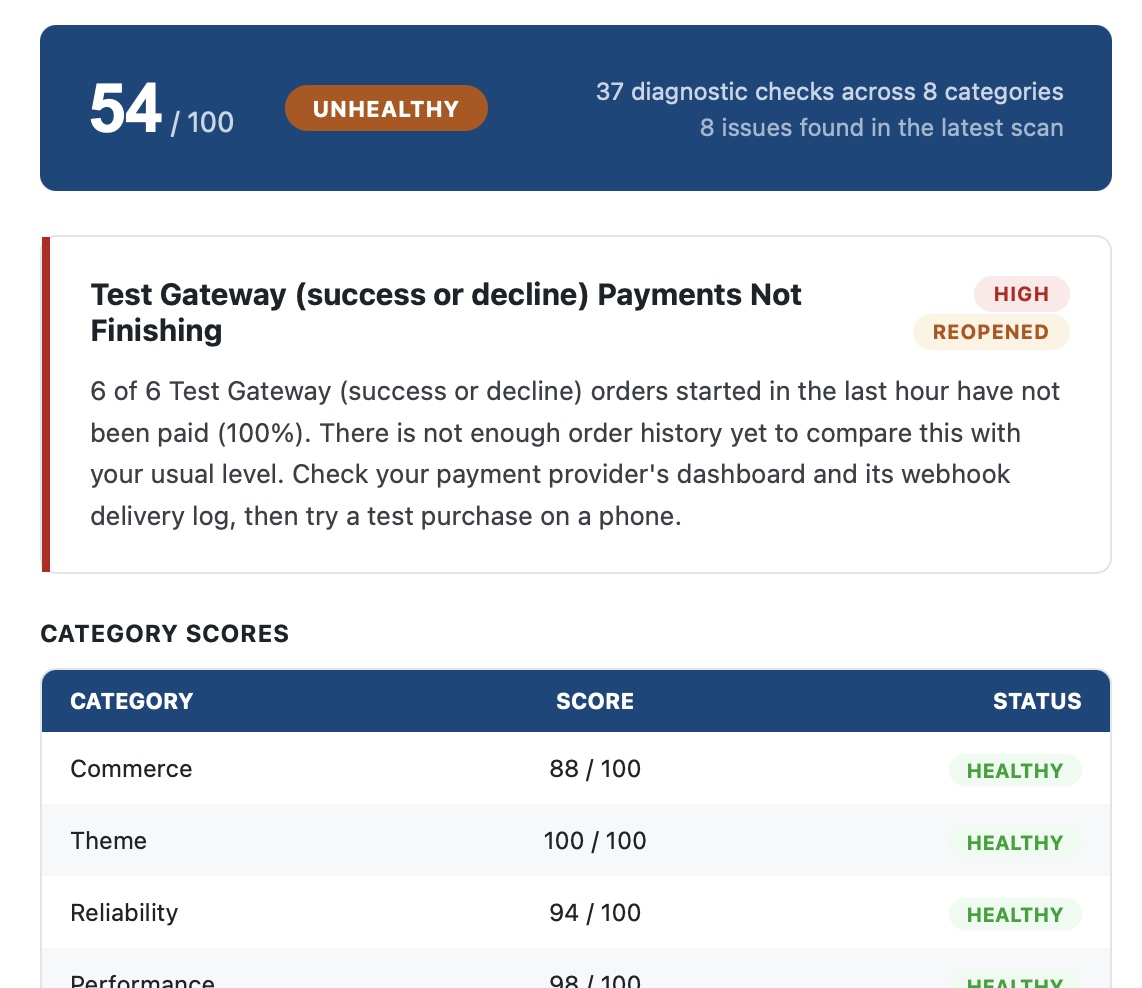
- A health score with plain-language next steps
- Nothing changes on your site, and no data is sent to us
Free on WordPress.org. Nothing in the free plugin is locked.
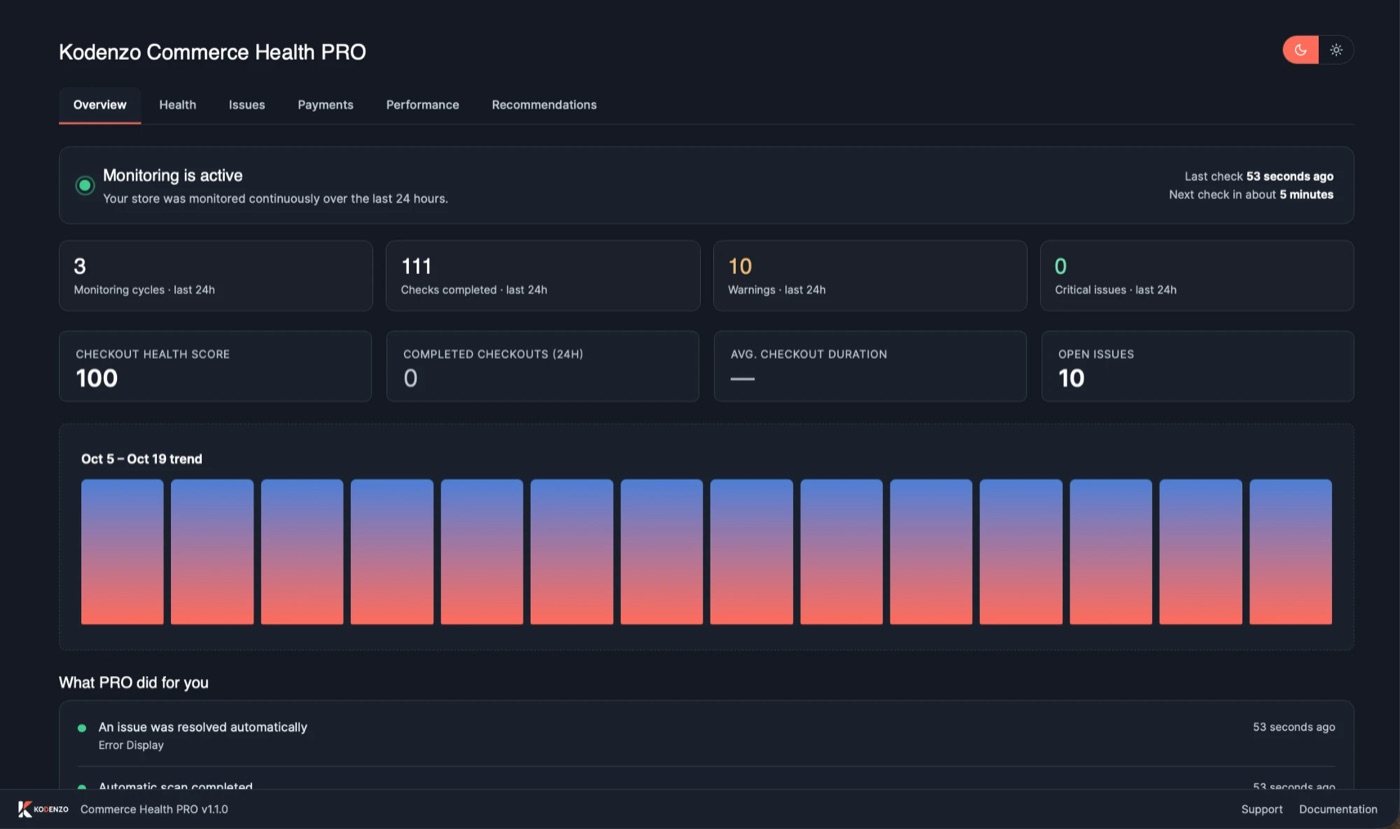
- Measures real-visitor checkout speed (LCP, INP and CLS) in the background
- Watches payments, checkout errors and plugin changes
- Emails you when something needs attention
PRO tells you what it finds. It does not fix problems for you.
Why KODENZO
Engineering Partner, Not Just a Developer.
Performance claims are easy to make and hard to verify. Here's what 8+ years of measuring WooCommerce performance at real catalogue scale actually changes about how we approach it.
-
Engineering First
Root-cause fixes, not plugin band-aids.
-
Measured, Not Assumed
Every optimisation tied to a real before/after number.
-
Performance Focus
Optimised for real catalogue size and traffic.
-
Real Business Experience
Solutions based on real store performance failures.
-
Long-Term Support
Monitoring so gains hold as your store grows.
-
Transparent Communication
Clear updates and realistic expectations.
FAQ
Questions, Answered.
Straight answers to the questions we hear most often before a performance project starts — if yours isn't covered here, ask us directly.
Sometimes partially, rarely fully. Caching plugins help with static content but can't fix database query bottlenecks or the dynamic cart and checkout pages that can't be cached the same way — those need actual engineering work.
Yes — every optimisation is tested against your store's real product count and traffic patterns, not a synthetic benchmark on a near-empty demo store.
Yes — targeted LCP, INP and CLS improvements measured against real field data, engineered to a 90+ PageSpeed standard.
Yes — including real load testing beforehand, so the first time your store faces a traffic spike isn't the first time you discover a bottleneck.
Yes — checkout and cart pages need different engineering than the rest of your site since they can't be cached the standard way, and they have the most direct connection to revenue.
Yes — a technical review of every active plugin's real performance cost, with clear recommendations on what to keep, replace, or remove.
Yes. Every engagement can continue into long-term monitoring, so gains don't quietly erode as your catalogue and plugin stack grow.
Every optimisation is tied to a measured before-and-after number — query time, PageSpeed score, or a specific Core Web Vital — not a general sense that the site "feels faster."
Test the product, cart and checkout pages, not only the home page, with Google PageSpeed Insights, and look at the mobile result first. Real-visitor (field) data matters more than one lab score, which can change from run to run.
Google's thresholds, met for at least 75% of visits, are a Largest Contentful Paint of 2.5 seconds or less, an Interaction to Next Paint of 200 milliseconds or less, and a Cumulative Layout Shift of 0.1 or less.
The usual causes are too many plugins loading scripts on checkout, slow database queries, a slow server, and payment or shipping scripts that load late. Checkout cannot be cached like other pages, so it needs different work. An audit shows which of these applies to your store.
You get a written list of findings ranked by impact, with what we would change and why. We agree the scope with you before we change anything on your store.
No questions match your search.
Need Experienced WooCommerce Performance Optimisation Engineers?
Whether you're building a new commerce platform, optimising an existing store, or solving a complex engineering challenge, KODENZO can help.