

Engineering Services
WooCommerce Troubleshooting for Problems That Have No Obvious Cause.
Checkout that fails for some customers, orders that go missing, a white screen after an update, a payment that never confirms. We reproduce the problem on a staging copy, isolate the cause with logs and tests, fix it, test the whole checkout again, and write down what we found.
The Problems We Solve
Engineering Solutions for Complex WooCommerce Troubleshooting Challenges.
The hard WooCommerce problems rarely announce their cause. They show up as a symptom a customer reports once. These are the ones we are asked about most.
-
Checkout fails for some customers
It works for you and not for them: a payment method, a browser, a country or a coupon changes the result.
-
Fatal errors and white screens
A plugin, theme or PHP update that takes the site, or only checkout, down.
-
Plugin and theme conflicts
Two pieces of code that work alone and break each other, often only on checkout or in the block editor.
-
Payments that do not confirm
Buttons that vanish, payments that succeed but leave orders pending, or gateways that work in test and not live.
-
Orders and emails going missing
Orders that do not appear, or emails that never arrive, because of statuses, cron or mail settings.
-
A slow or stuck checkout
A spinner that never finishes, or totals that take seconds to update.
-
Wrong shipping or tax
Rates, zones or taxes calculating something other than what you set.
-
Background tasks not running
Scheduled actions and cron events that pile up or fail quietly.
-
Breakage after a PHP or WooCommerce upgrade
Code that ran for years and stops on a newer PHP or WooCommerce version.
What We Do
Our WooCommerce Troubleshooting Services.
Troubleshooting is a method more than a list of fixes. These are the kinds of fault we take on and how we approach them.
-
Checkout and Payment Fault Diagnosis
Tracing a failing checkout or payment through the page, the request, the gateway and the order.
-
Conflict Isolation
Finding which plugin or theme causes a fault, safely, on a staging copy.
-
Error Log Analysis
Reading PHP, WooCommerce and server logs to find the real error behind the symptom.
-
Performance Fault Finding
Finding what makes a page or checkout slow, with query and request timings.
-
Shipping, Tax and Coupon Logic Faults
Working out why a rate, a tax or a discount is calculated the way it is.
-
Cron, Action Scheduler and Email Problems
Finding why scheduled work or notifications are not running or arriving.
-
Fix, Retest and Report
A fix, a full checkout retest and a written account of cause and change.
Featured Case Studies
Real WooCommerce Troubleshooting Engagements.
A troubleshooting engagement from our Case Studies: root-causing fatal errors, checkout bugs and broken shipping logic on a high-traffic store.
-
Root-Caused E-Commerce
WooCommerce Stabilisation for a High-Traffic Store
Root-caused and resolved fatal errors, checkout bugs, and broken shipping logic on a high-traffic WooCommerce store, fixed at the cause rather than patched.
Result: Fatal errors, checkout bugs and shipping failures resolved at their cause
Read Case Study
Our Engineering Process
How We Deliver.
We follow the same steps every time, because skipping one is how a fix ends up hiding the real fault.
Report and Triage
What happens, who it affects, when it started and what changed just before.
Reproduce on Staging
The fault recreated on a copy of the store, so nothing is tried on your live site.
Isolate
Logs, query timings and a step-by-step removal of variables until one cause is left.
Fix
The smallest change that removes the cause, not a workaround that hides it.
Retest the Checkout
The whole path retested, including the payment and the emails, before it goes live.
Document
A short written account of the cause, the fix and how to spot it earlier next time.
Technologies We Use
The Stack Behind the Work.
The tools are ordinary and well known. The method is what finds the fault.
Diagnostics
Platform
Payments
Infrastructure
Related Engineering Articles
From the Engineering Journal.
WooCommerce 11.6 Requires PHP 8.1: How to Check Your Store
WooCommerce 11.6, planned for February 2027, requires PHP 8.1 or newer. What was announced, how to check your…
WooCommerce Checkout Stuck Loading? How to Find What Is Blocking It
A checkout that sits on a spinner, "Processing" or "Update totals" is waiting for a request that never…
How to Test WooCommerce Checkout After an Update (10-Minute Checklist)
A WooCommerce update can break one path through checkout while the site looks normal. A 10-minute test to…
KODENZO Commerce Health
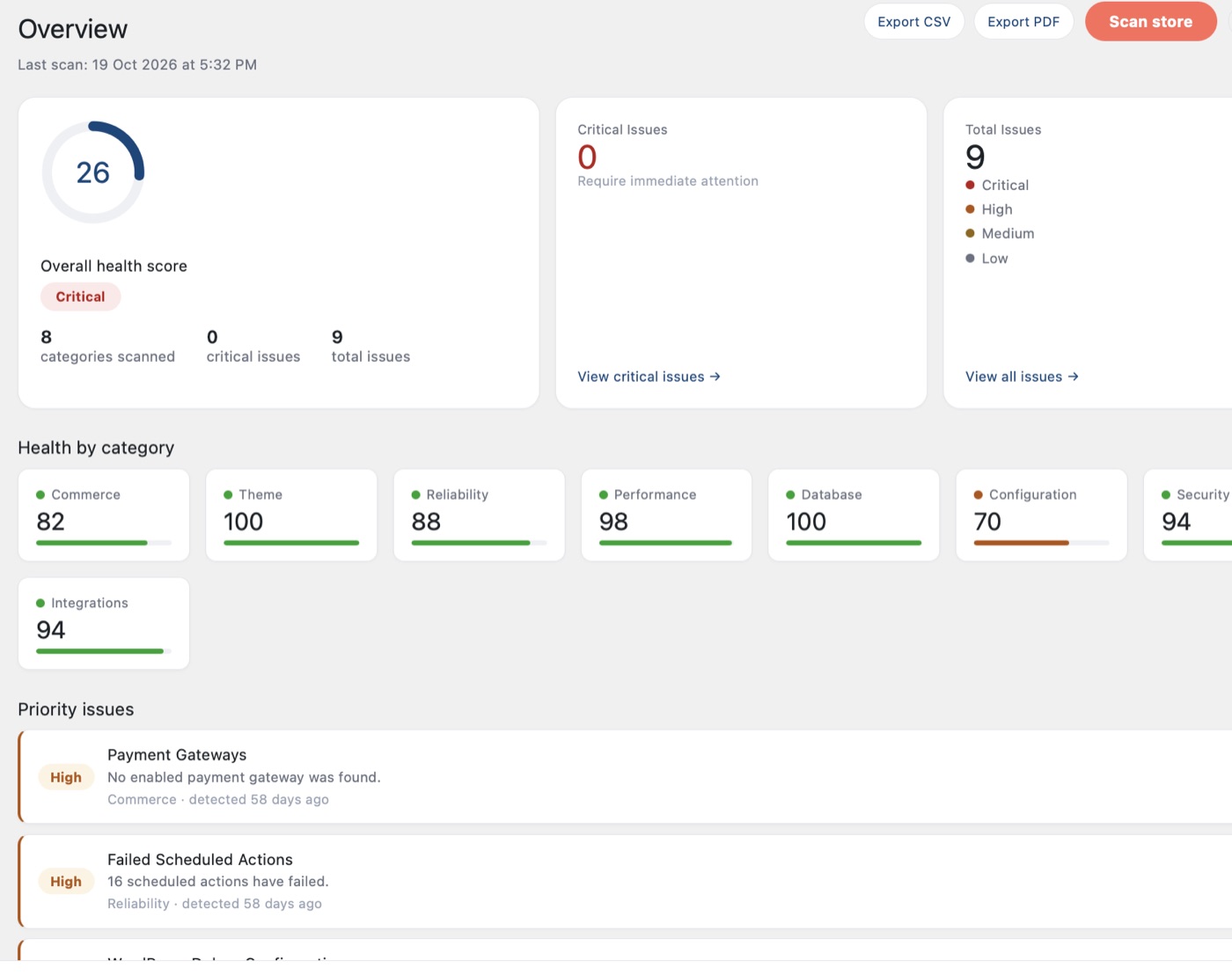
Is your store as fast and healthy as you think?
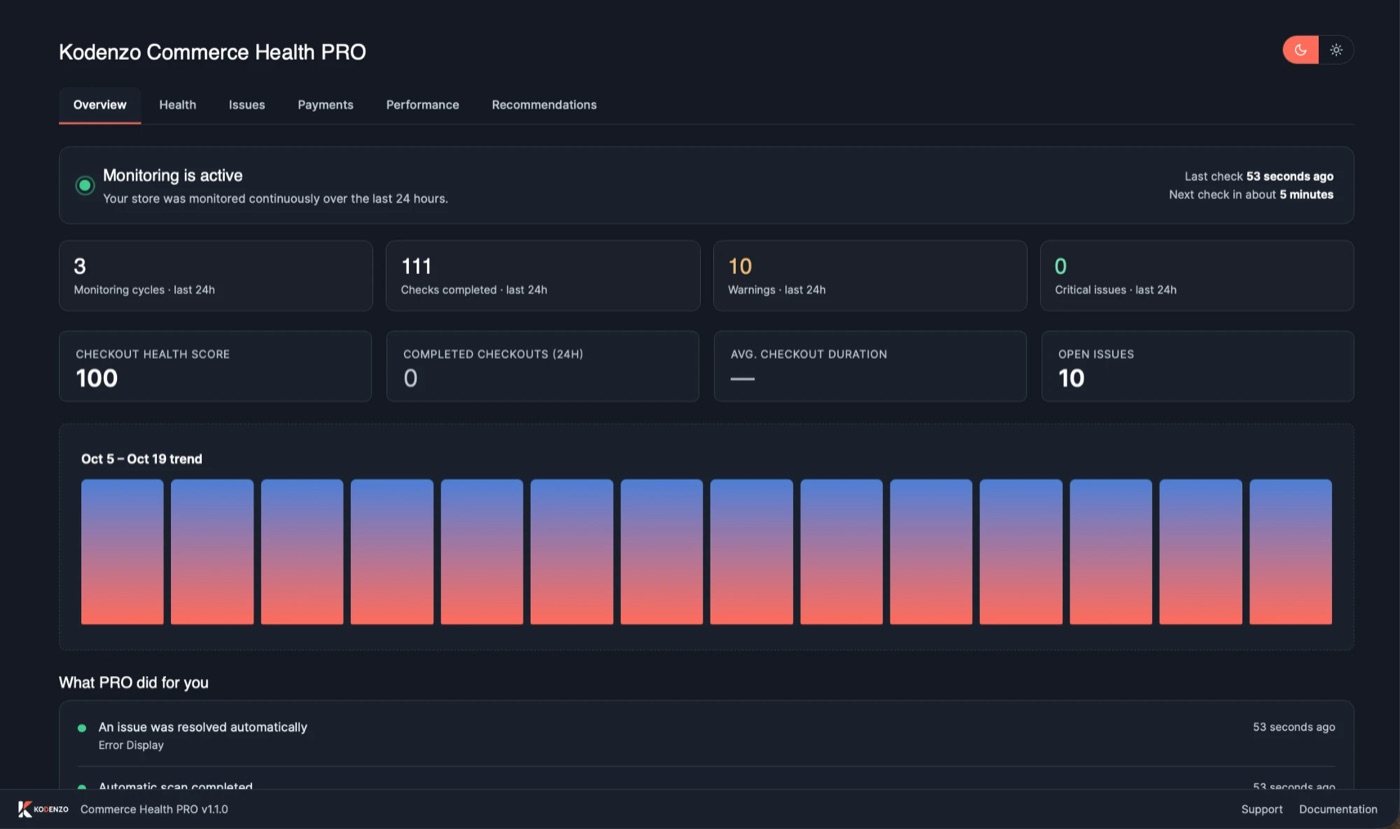
Find out in a few minutes, free. Then let PRO watch checkout for you in the background.
- Read-only checks across configuration, cache, database and updates
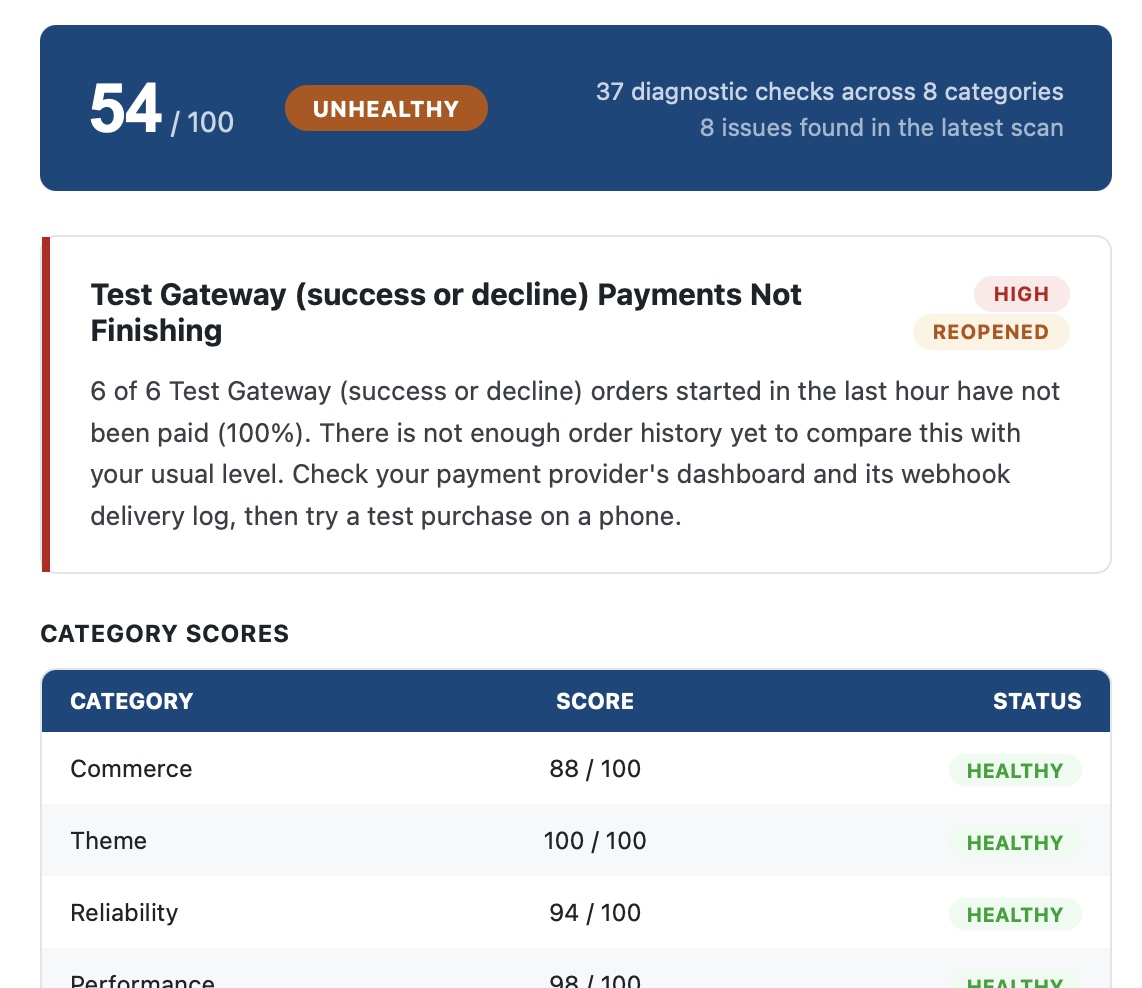
- A health score with plain-language next steps
- Nothing changes on your site, and no data is sent to us
Free on WordPress.org. Nothing in the free plugin is locked.
- Measures real-visitor checkout speed (LCP, INP and CLS) in the background
- Watches payments, checkout errors and plugin changes
- Emails you when something needs attention
PRO tells you what it finds. It does not fix problems for you.
Why KODENZO
Engineering Partner, Not Just a Developer.
Fixing the symptom is quick. Fixing the cause is what stops the same call next month.
-
Staging First
We reproduce and test away from your live store.
-
Evidence Over Guesswork
Logs and timings decide the cause.
-
Cause, Not Symptom
The fix removes the fault, not just the visible error.
-
Whole-Checkout Retest
Every fix is retested across the checkout, including payment and emails.
-
Plain-English Findings
A written account you can share with the rest of your team.
-
Tools Built From the Work
Commerce Health, our own diagnostics plugin, came from this kind of work.
FAQ
Questions, Answered.
Questions we hear before a troubleshooting engagement starts.
We reproduce the problem on a staging copy first. Anything that must happen on the live store is agreed with you in advance, with a backup in place.
Access to a staging copy or the admin area, the steps that trigger the problem, and what changed around the time it started. Error messages and screenshots help.
A conflict usually shows up after an update or a new plugin, and the problem goes away when one plugin is switched off on a staging copy. Our article on detecting plugin conflicts walks through it.
Often, yes. We look for what differs between the cases that work and the ones that fail: the payment method, browser, country, coupon or time of day.
We tell you what caused it and how to catch it sooner. Commerce Health Free runs on-demand configuration checks, and Commerce Health PRO watches for checkout problems in the background and emails you. Neither fixes problems for you.
Yes. We offer a free, engineer-led store audit that reviews checkout health, performance and security and lists what to fix first.
It depends on how hard the fault is to find. After reading your description we give you a written estimate before any work starts.
No questions match your search.
Need Experienced WooCommerce Troubleshooting Engineers?
Whether you're building a new commerce platform, optimising an existing store, or solving a complex engineering challenge, KODENZO can help.